How to Choose a GPS Tracker for a Dog Who Runs Everywhere
SPOIL MY PET • KEEP UP WITH YOUR EXPLORER
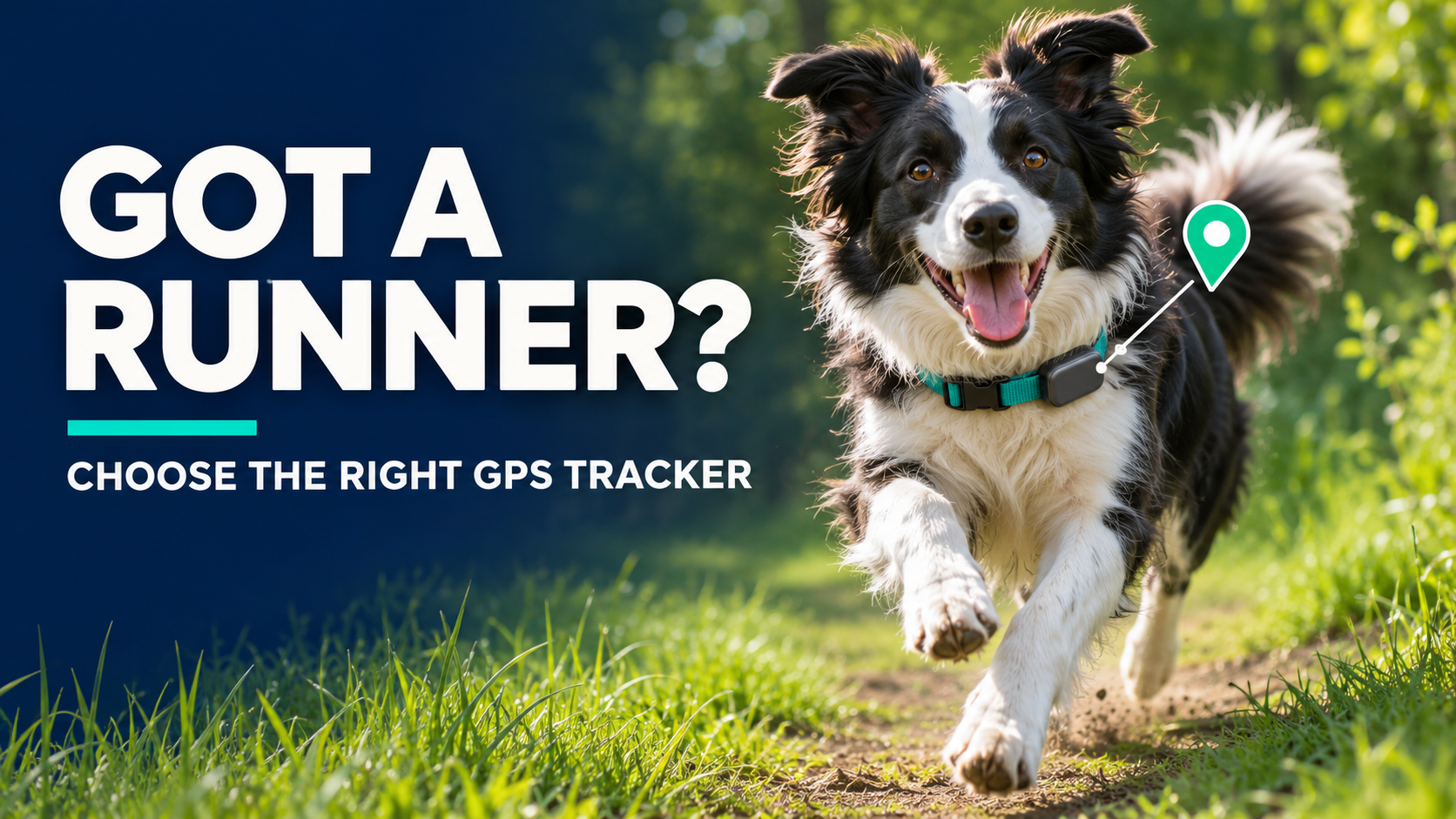
Some dogs see an open gate and immediately start a side quest. If yours can disappear faster than you can grab a leash, choose a tracker for the moment you need to find them—not just for the features that look good on the box.
A useful GPS tracker needs to stay attached, report a recent location, and keep working long enough for you to reach your dog. Coverage, fit, live updates, and battery life matter more than a long list of bonus features.
This guide explains what to compare before buying. It is a feature checklist, not a hands-on product ranking.

1. Start With Where Your Dog Might Go
Think beyond the yard: nearby roads, woods, drainage areas, parks, and places you travel. A tracker that performs well in one setting may struggle in another.
GPS satellites help a device determine its position. A separate connection gets that position to you. Depending on the system, that may be cellular service or a direct radio link.
| Tracker Type | How You Receive Location | Main Limitation |
|---|---|---|
| Cellular GPS | Tracker sends position through a supported mobile network to an app | Poor coverage can delay or stop remote updates |
| GPS With Direct Radio | Collar sends position to a compatible receiver | Limited radio range; terrain and obstacles matter |
| Bluetooth/Network Item Tag | Nearby compatible devices help locate the tag | No guarantee of frequent updates along a moving dog’s route |
Check the tracker’s supported networks. Your phone having bars does not prove that a particular tracker will connect in the same spot. Ask the manufacturer about coverage for the exact model and region, and test during the return period.
Likewise, “unlimited range” on a cellular tracker does not mean unlimited coverage. Read the conditions behind the claim.
2. Make Sure “Live Tracking” Is Useful
A dot on a map is only helpful if you know how old it is. Compare the normal update interval with the faster lost-dog or live mode.
- Location timestamp: Can you clearly see when the position was recorded?
- Live-mode updates: How frequently does the device attempt to refresh while moving?
- Activation: Can you start live mode remotely, and what connection must be available?
- Connection warnings: Does the app distinguish a lost signal from a stationary dog?
- Recent route: Can you review earlier positions if the latest update is missing?
Update intervals are not guarantees of delivery or pinpoint accuracy. Trees, buildings, signal conditions, and device settings can affect the result. Test how the system behaves rather than relying on a single advertised number.
3. Choose a Tracker Your Dog Can Comfortably Wear
The fanciest tracker is not much help if it ends up beside a fence while your dog keeps going.
- Check minimum dog size, device weight, and collar-width compatibility.
- Inspect how the mount locks onto the collar or harness.
- Look for an attachment that does not swing excessively or interfere with movement.
- Follow fit instructions and inspect the mount after rough play.
- Consider whether a removable clip or integrated collar better suits your routine.
Watch your dog walk, run, lie down, and turn their head while wearing it. Do not improvise an attachment that creates a snagging or chewing hazard.
4. Compare Battery Life During a Search
Long advertised battery life may depend on power-saving settings and time spent near home. A search with frequent updates can use substantially more power.
Tractive, for example, says battery life varies with cellular coverage, GPS signal, and use of live tracking. Treat its figures—and other brands’ “up to” claims—as conditional estimates.
Build charging into an existing routine. Keep your dog securely contained whenever the tracker is removed, and check the charge before travel or outdoor activity.

5. Look for Useful Escape Alerts
A safe-zone alert can notify you when the system detects that your dog has left a defined area. Check how the zone is drawn, what triggers the notification, and whether the feature depends on GPS, Wi-Fi, Bluetooth, or a combination.
An alert boundary is not a physical fence. Detection and delivery take time. GPS drift can also cause confusing readings near a boundary.
Check phone notification permissions, quiet-mode settings, and whether a trusted family member can receive alerts too. Shared access should be set up through the app’s permissions rather than by passing around your account password.
6. Read the Water-Resistance Details
A dog who runs everywhere may also splash everywhere. Read the exact rating and the manufacturer’s limits for immersion, duration, swimming, and charging.
Water resistance does not automatically mean the device is suitable for repeated swimming, salt water, high-pressure rinsing, or chewing. Check the care instructions and replacement policy.
7. Add Up the Ongoing Costs
Many cellular trackers need a subscription. Check whether the advertised monthly figure requires paying for a longer term upfront.
- First-year cost: Device, activation if applicable, service plan, and required accessories.
- Renewal terms: Future price, automatic renewal, cancellation, and refund rules.
- Included features: Live mode, location history, family access, and travel coverage.
- Replacement costs: Mounts, chargers, lost-device policies, and warranty limits.
A system without a cellular subscription may require a separate handheld receiver. “No monthly fee” does not tell you the complete purchase price.
What About an AirTag or a Microchip?
Apple explains that AirTag uses Bluetooth signals detected by nearby devices in the Find My network. That is different from a dog tracker sending GPS positions through its own supported cellular connection.
Because updates depend on that nearby network, an item tag should not be your only tracking plan for a dog who bolts into quiet or remote areas.
An implanted identification microchip serves another purpose: it can help identify your dog when scanned. It does not show their live location. Keep identification and registration details current alongside any tracking setup.
Test It Without Letting Your Dog Loose
- Charge and activate it. Complete account setup and confirm the plan is active.
- Fit it correctly. Check the mount and your dog’s comfort.
- Take a controlled walk. Use a secure leash and visit typical routes.
- Test alerts with a helper. Have one person walk the dog safely beyond the test zone while the other checks notifications.
- Inspect the map. Review timestamps, delays, and any gaps.
- Check battery use. Try live mode long enough to understand its effect on charge.
Never release your dog to test a tracker. If coverage or mounting is unsuitable, use the return window rather than hoping an emergency goes better.
Which Features Deserve Priority?
For a neighborhood escape artist: Prioritize supported coverage, readable live updates, timely alerts, and a secure mount.
For remote adventures: Investigate a suitable direct-radio system, compatible receiver, realistic range, and local frequency rules.
For a small, fast dog: Give fit and weight as much attention as tracking features.
For a frequent swimmer: Verify swimming suitability and inspect the attachment often.
Activity charts can be useful, but for escape recovery, connection and location information come first. Our dog activity tracker guide explains the wellness side of the decision.
Frequently Asked Questions
Will a GPS Tracker Stop My Dog Escaping?
No. A tracking device helps locate a dog; it does not repair a gate, secure a leash, or teach recall. Products that add containment or training functions need separate evaluation.
Can a Tracker Work Without Mobile Service?
A GPS-and-radio system can send location to a compatible handheld within its radio range. A cellular model generally needs a supported network to deliver remote updates. Check the exact system.
Do I Need My Phone Beside My Dog?
A cellular pet tracker can send updates remotely when its own connection is available and your phone can access the service. Nearby Bluetooth finding works differently.
Is the Largest Battery Always Best?
No. Balance runtime with comfort, attachment, and tracking performance. A bulky tracker that your dog cannot wear comfortably is not a useful trade.
Choose for the Search You Hope You Never Need
Start with coverage. Then check live updates, fit, and battery behavior. Keep using secure fencing, a suitable leash, identification, and supervision. A tracker is an extra way to help bring your explorer home.
Compare Your Next Options
Ready to compare devices? Visit our smart dog collar buying guide and check the current specifications for the model you are considering.